
Your garden in 3D, free
No software to install, no scale drawing to do by hand: tap your plot, Jardingo draws the ground in 3D, and you add your house, your paths and your plants. The same garden shows as a 2D plan too.
Free, no adverts, no sign-up needed to start. On iPhone, iPad and in your browser; on Android soon.
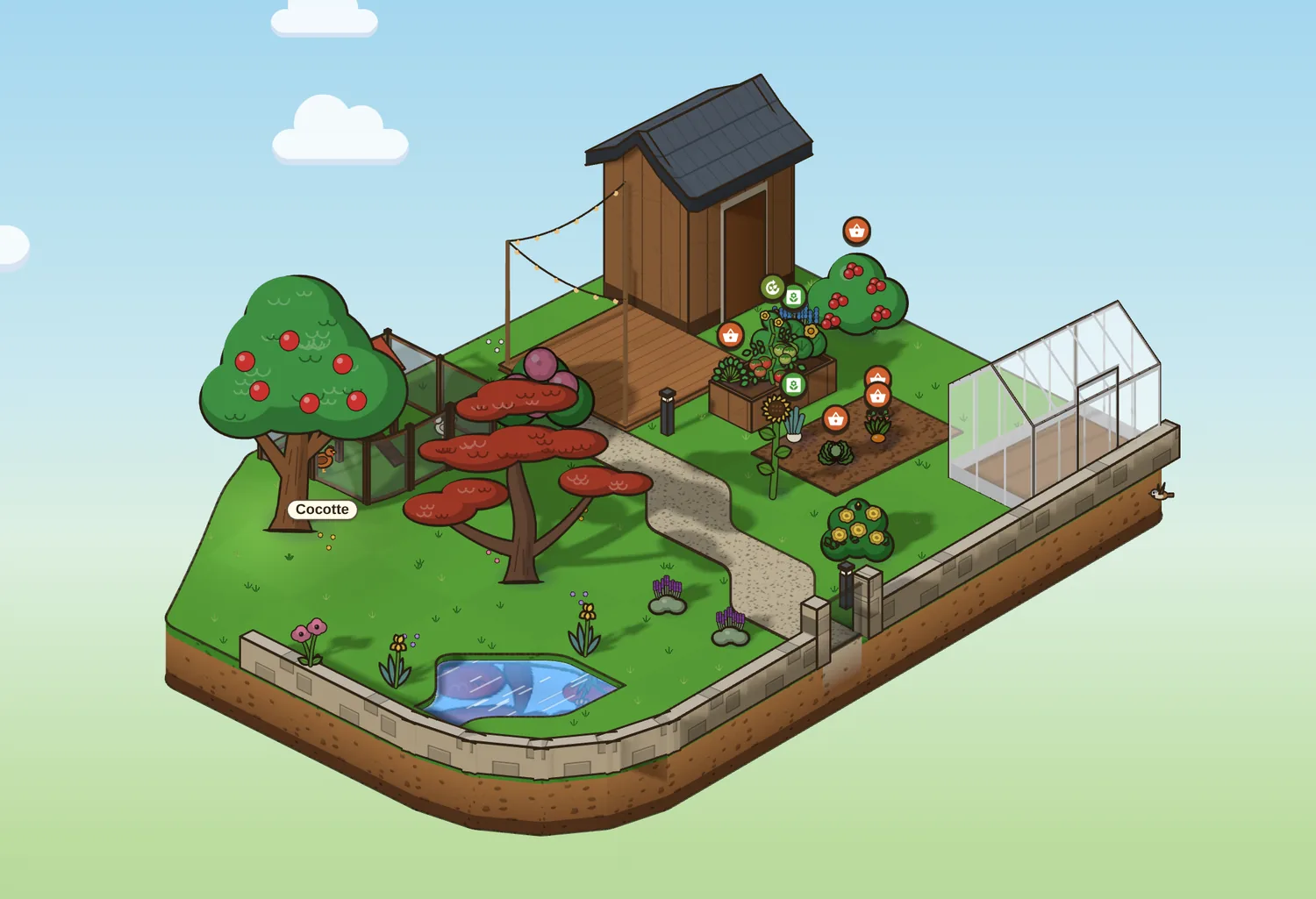
Start from your real plot
The ground starts from the real thing: your plot from the land registry, with its slopes, or the outline you draw on the aerial photo. Everything goes in at scale, in metres.
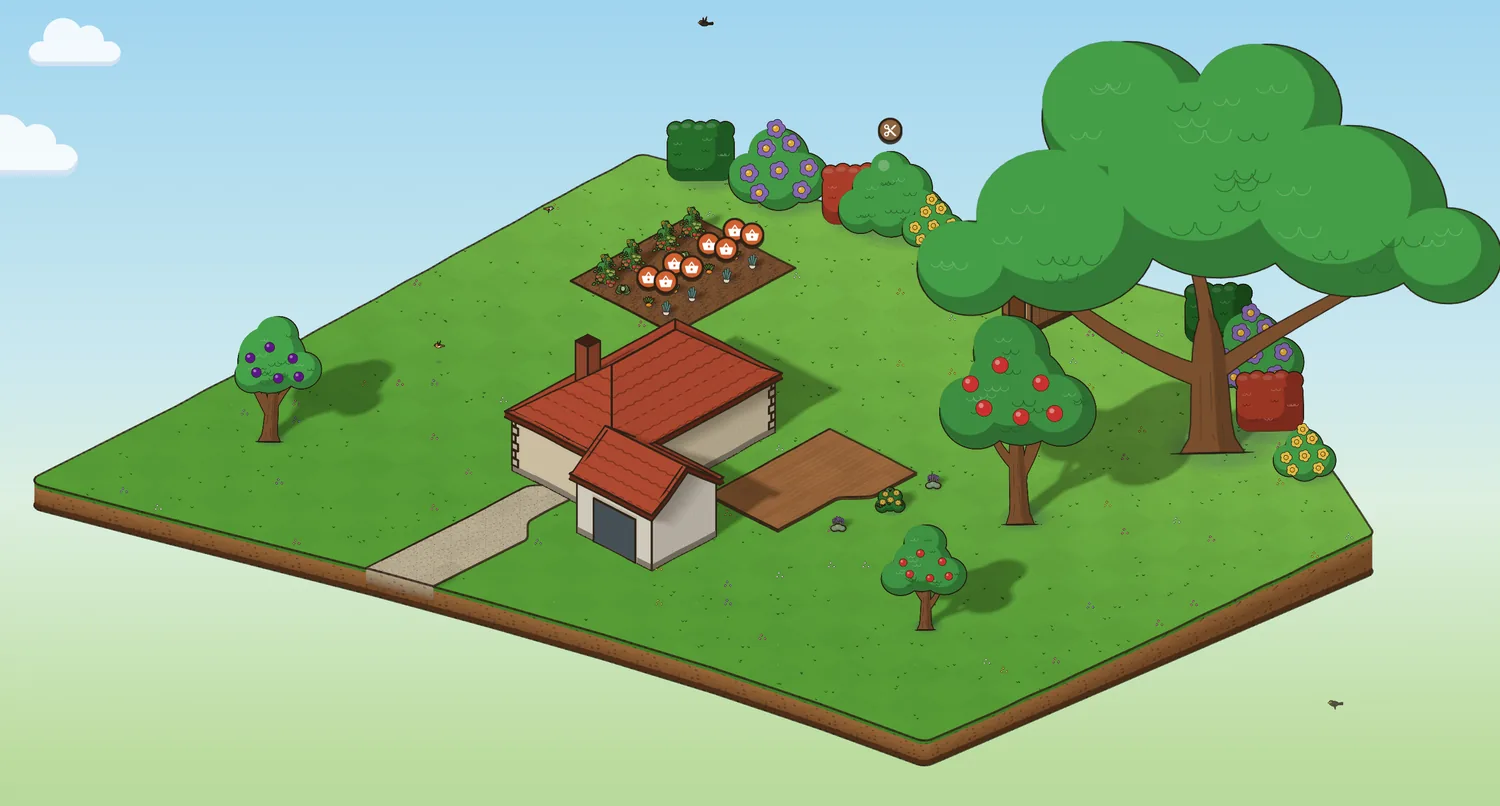
Everything that's in a garden
The house with its walls, roof, shutters and windows, even L- or T-shaped. And around it:
- a shed, a greenhouse, a conservatory, a pergola, a pool, a hen house, raised beds;
- hedges, fence panels, picket fences, low walls with their gates;
- decks, paths, a pond, and slopes shaped by hand: a mound, a hollow, a sloping path;
- your plants, each with its own drawing: trees, fruit trees, shrubs, hedges, flowers, vegetables.
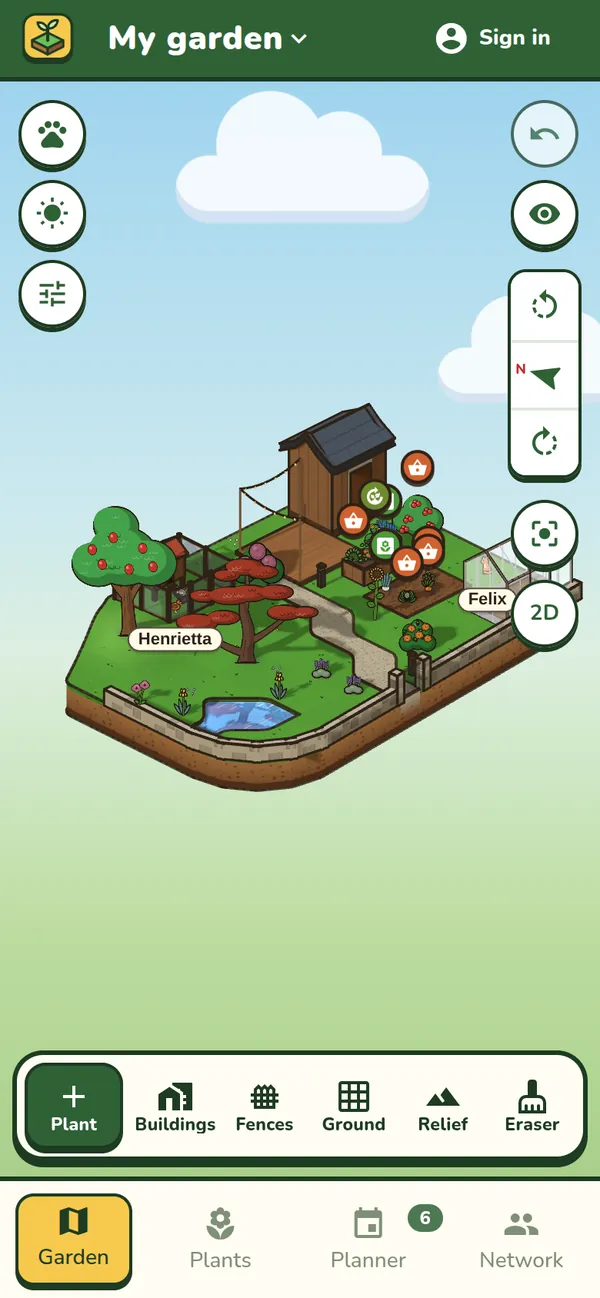
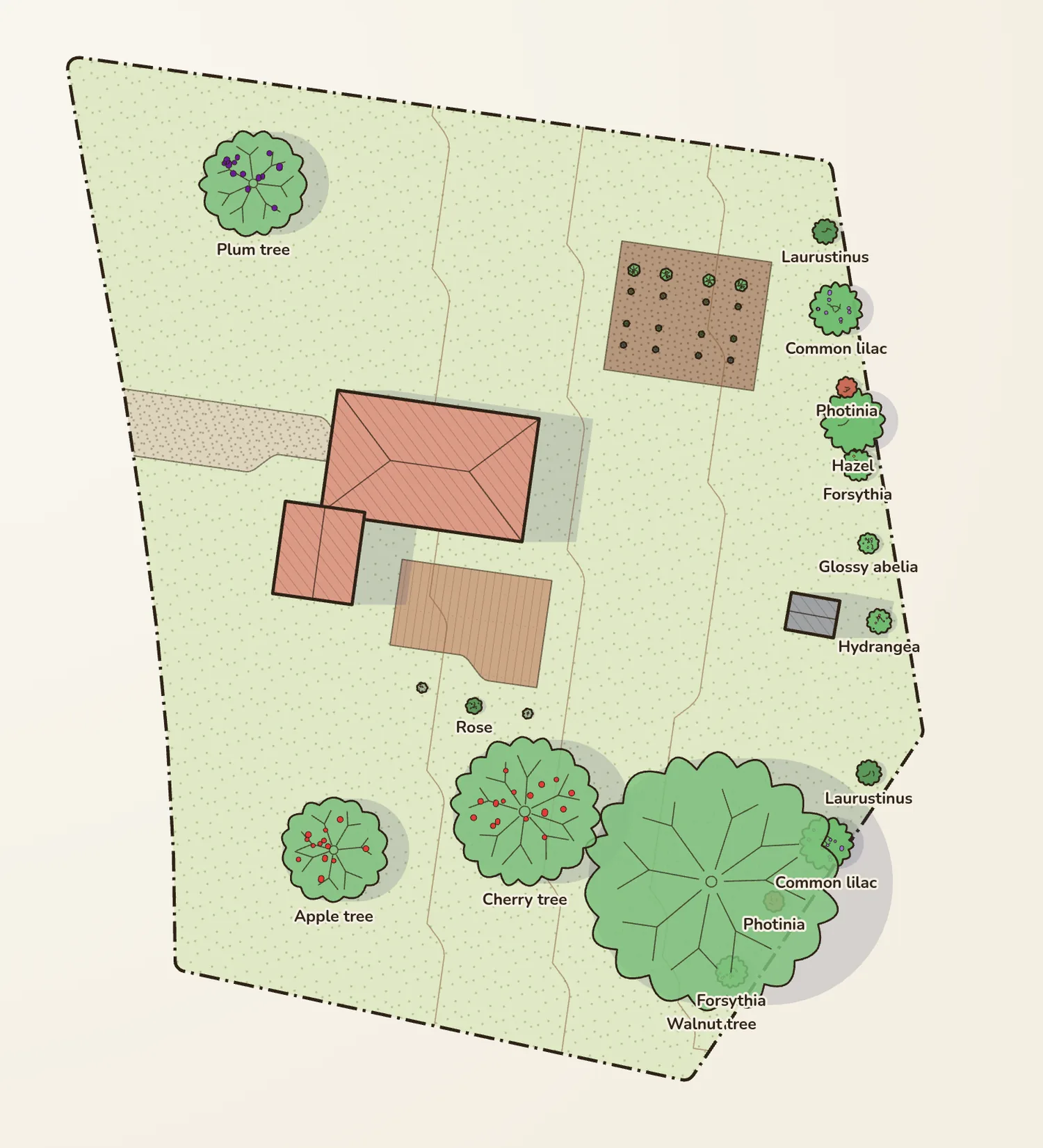
In 3D and as a 2D plan
One button, and you see your garden from above, like a landscape designer's plan: every plant at its spread, the ground, fences, buildings, contour lines, the scale and the key. Everything you do in 2D shows up in 3D, and the other way round.
- Lay the aerial photo over the plan to line your garden up with what's really there.
- Place or move a plant: its distances to walls, fences and neighbouring plants appear, ready to measure out with a tape.
The sun and shade at every hour
Light and shadows follow the sun's path at your garden's exact location. Move the time forward to see where the shadow of the house or the hedge will fall this afternoon, before choosing where the patio or the vegetable patch goes.
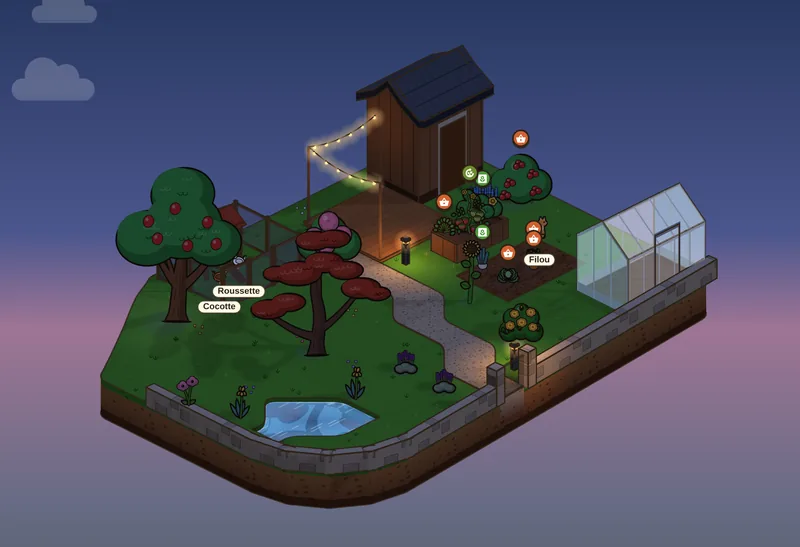
Your garden in 10 years
One button, and your plants grow, from 1 to 20 years. Jardingo lists what will get too crowded: plants in each other’s way, one over the plot boundary, one touching a building. Each species grows at its own pace. When young, a weeping willow gains about 1 m a year, an olive tree 20 cm.
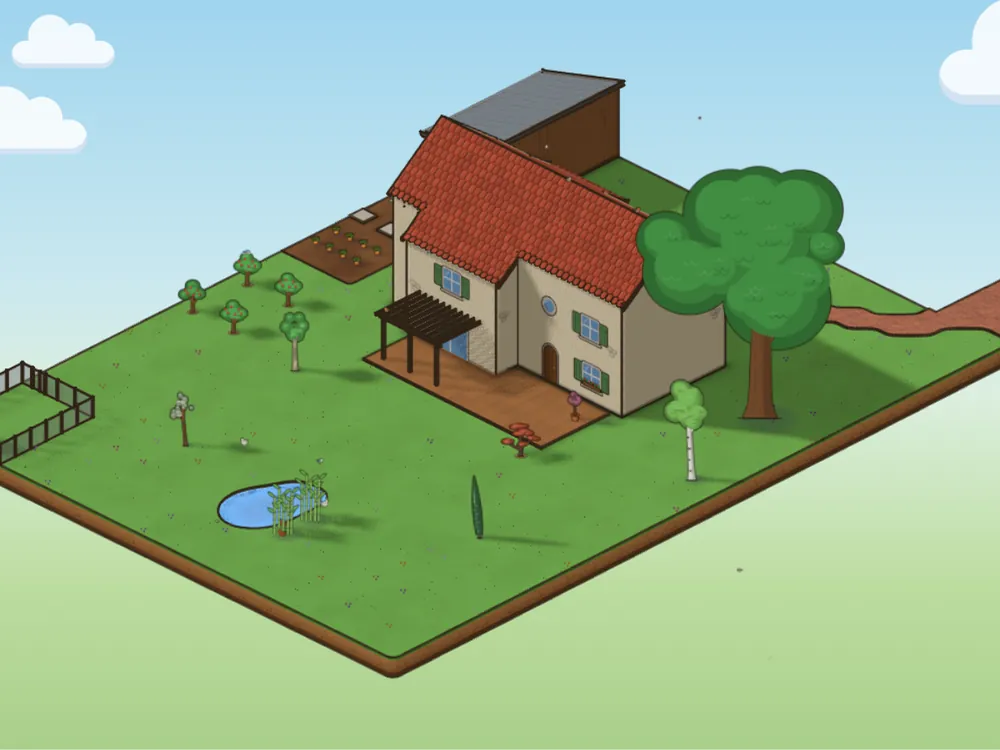
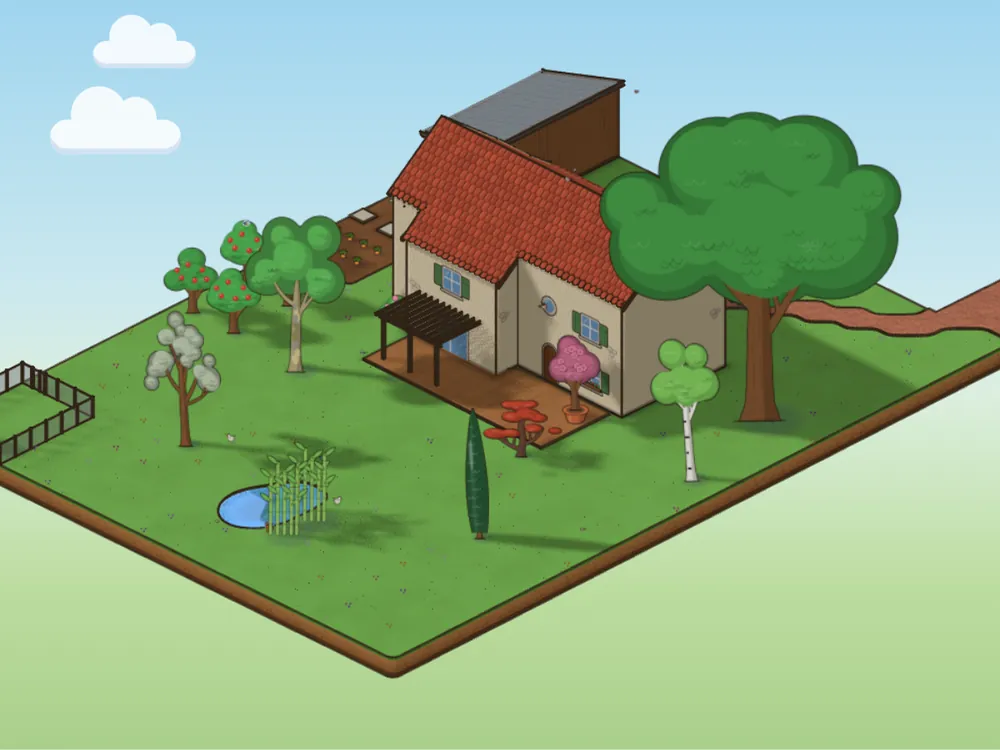
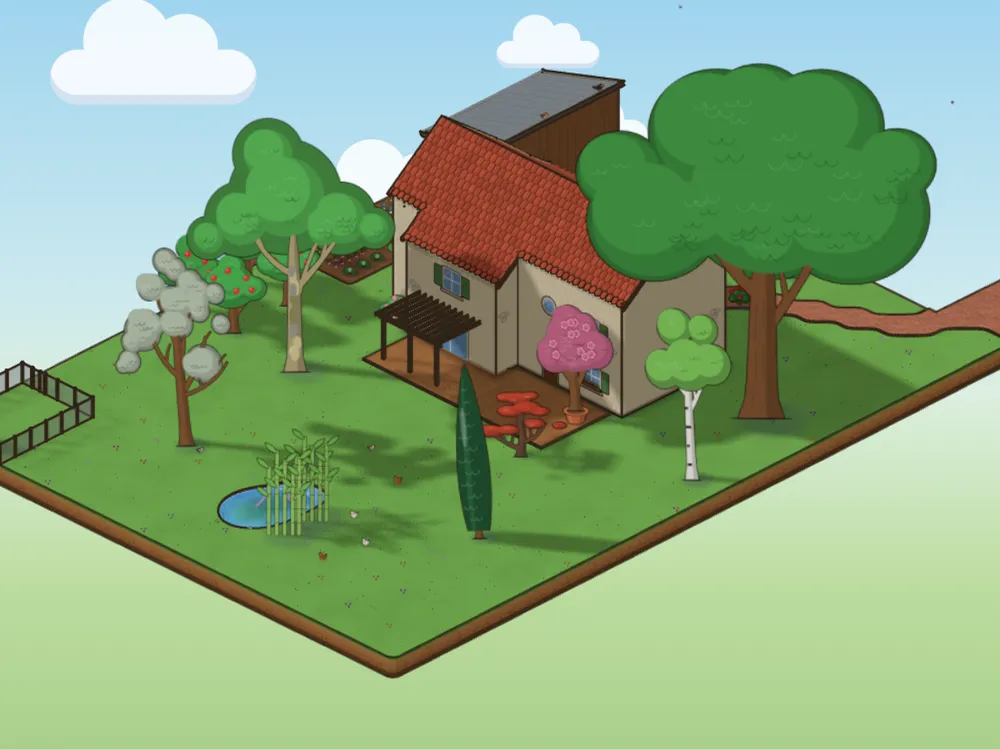
Growth is estimated from how fast each species grows when we know it, otherwise from the type of plant (tree, shrub, perennial).
Questions
Is Jardingo really free?
Yes: every current feature is free, with no adverts. You don’t need an account to start; your garden is saved on your device.
Do I need to install any software?
No. Jardingo opens in your browser, on a computer or a phone, and there is an app for iPhone and iPad. The Android app is coming soon.
Is the plan to scale?
Yes: everything is placed in metres. When you place a plant, its distances to walls, fences and other plants appear.